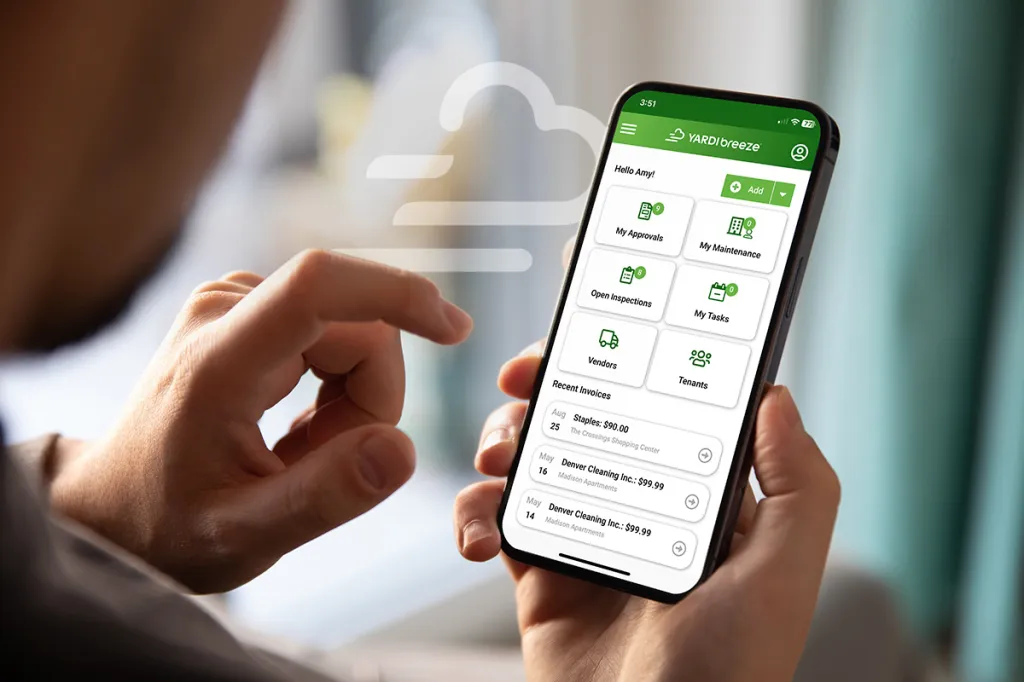
The spring 2026 Yardi Breeze update delivers meaningful enhancements across dashboards, maintenance operations, vendor management, payments, insurance, screening and self storage. This release strengthens operational visibility while improving workflow efficiency and financial controls across multiple markets.
Enhanced dashboards
- Maintenance request widgets
- Renters insurance widgets
- Recurring payments widget
- Properties published to RentCafe widget
Smarter notifications
- Automatic email alerts for new in-app notifications
Owner portal improvements
- Publish completed inspections to the owner portal, directly from the Unit, Lot or Home screen depending on your portfolio type
Tenant screen enhancements
- New metrics section
- Lease To date added to the Move-Out screen
- New “Add maintenance request” button on the MR tab
Maintenance enhancements
- Automatic technician email notifications
- Email history report shows all technician emails
- Added new Status Dates tab on the Maintenance Request screen
- Filter maintenance requests by completion date
- Expanded bulk update capabilities
- Labor tracking added to the Yardi Breeze app
Vendor management improvements
- Vendor categories with filtering across workflows
- New permission restricting users from viewing vendor ledgers
Accounts payable & payment controls
- “Send to SmartKey” option on invoice screen
- “Hold Payments” checkbox on Owner, Vendor, Invoice and Payable screens
- Maximum payment amount setting in Breeze
Renters insurance enhancements
- Master policies can include contents coverage
Property configuration improvements
- Additional custom fields in the Other Info section for properties
RentCafe resident portal
- New Quick Pay screen
Regional updates
- New York vacancy lease correction
- Canada CRRM province field added to landlord and agent setup
Note: Feature availability varies by product (Breeze vs. Breeze Premier) and market (portfolio type). For more detail, clients can view the Spring 2026 Release content published under Updates and New Features in the Help Center.